How to share your tickets
Are you coming to one of our events with someone else and want to send them their ticket? You can easily share tickets with others in your group by following these quick steps.
1. Once you have downloaded your tickets from the email we sent you, you can select 'My Tickets' to view your tickets.
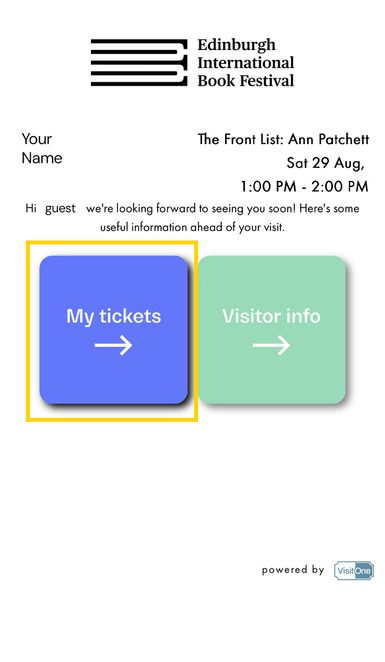
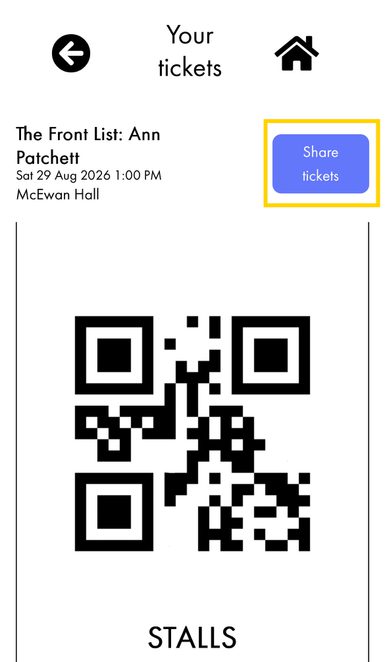
2. Select 'Share tickets'
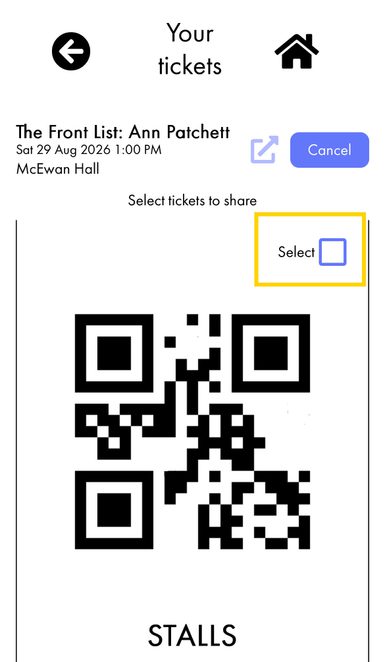
3. Select the checkbox for the ticket(s) you would like to share.
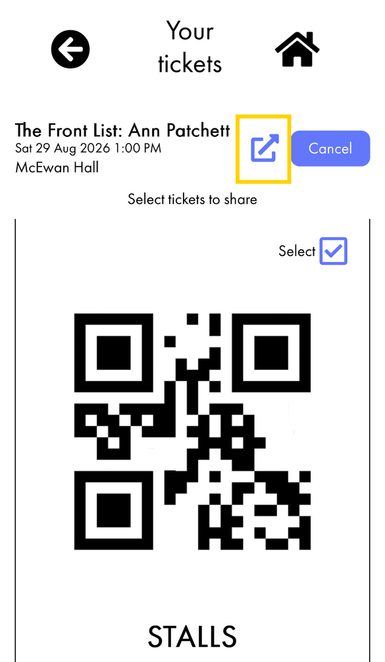
4. Select the 'Share' button (to the left of the 'Cancel' button)
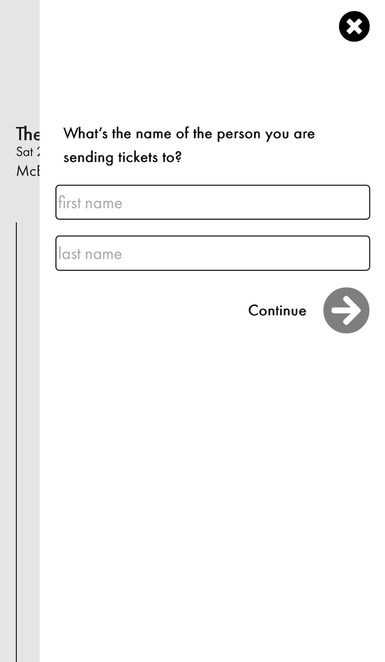
5. Enter the name of the person you'd like to send the ticket(s) to and then select 'Continue'
6. You will now be given the default sharing options available on your device. You can use any of these methods to share the ticket(s).
...and that's it! You'll each be able to show your tickets to our Front of House or Box Office teams during your visit.