How to Book for The Front List
Quick steps to booking your tickets
Getting ready to book tickets with us? We've listed below, step-by-step, the actions you need to take.
1. Register for an account at edbookfest.co.uk
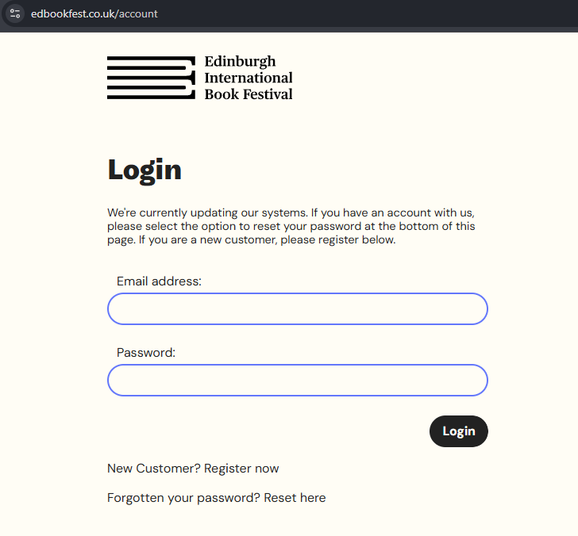
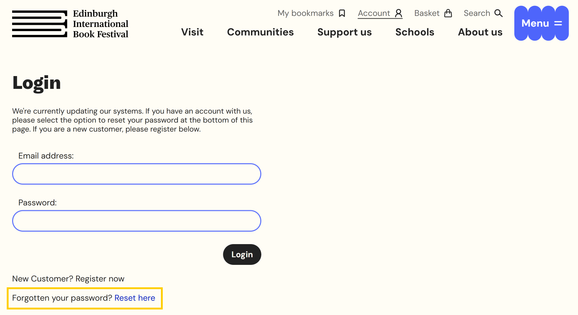
2. Make sure you know your password and log in - use 'Forgot password' if unsure and you'll be sent an email with a link to reset your password. You can read our help guide here.
- We recently updated our systems, so if you haven't changed your password recently you will need to do so before booking tickets
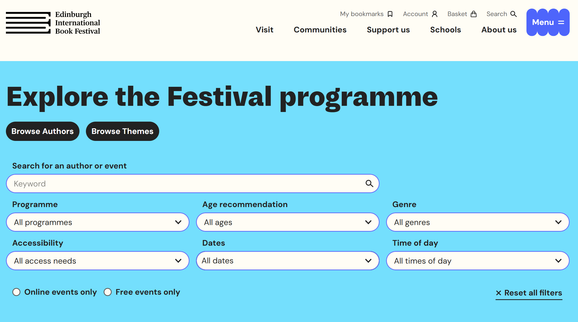
3. Visit our Events page to browse our programme
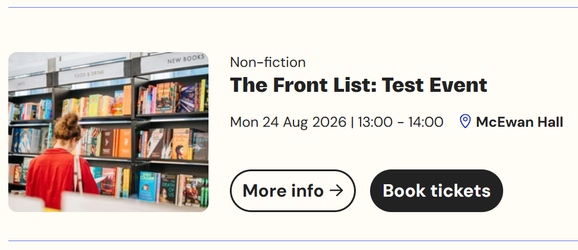
4. Select ‘More Info’ on any event to find out more. Or hit ‘Book now’ to go straight to the seating plan to select your tickets.
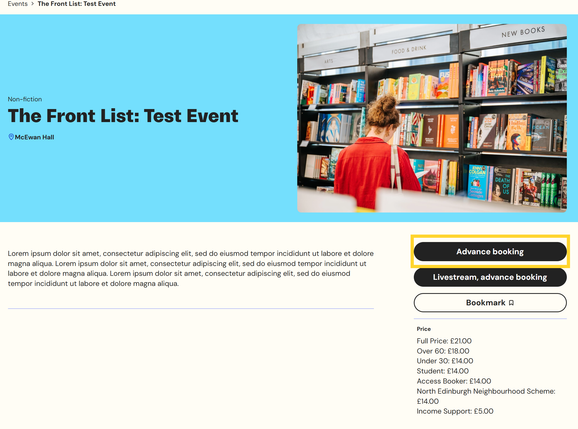
5.1 We are running Advance Booking for members
- Members must be logged in to be able to book tickets online
- Members: Select 'Advance booking' on the individual event page to access our seating plan and add tickets to your basket.
- Benefactors from Wednesday 29 April, 10:00
- Champions from Thursday 30 April, 10:00
- Friends Plus from Friday 1 May, 10:00
- Friends from Monday 4 May, 10:00
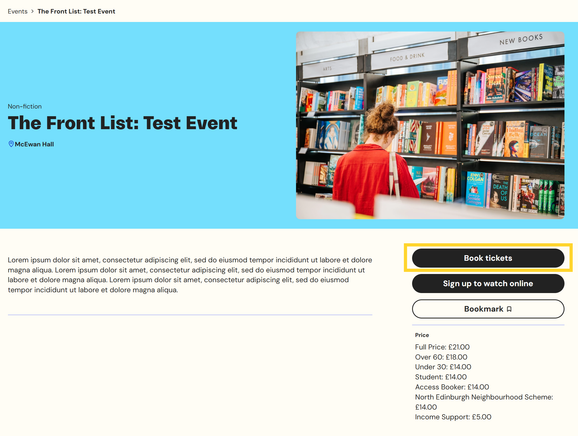
5.2. Public booking: Select 'Book now' on the individual event page to access our seating plan and add tickets to your basket.
- Public booking opens Tuesday 5 May, 10:00
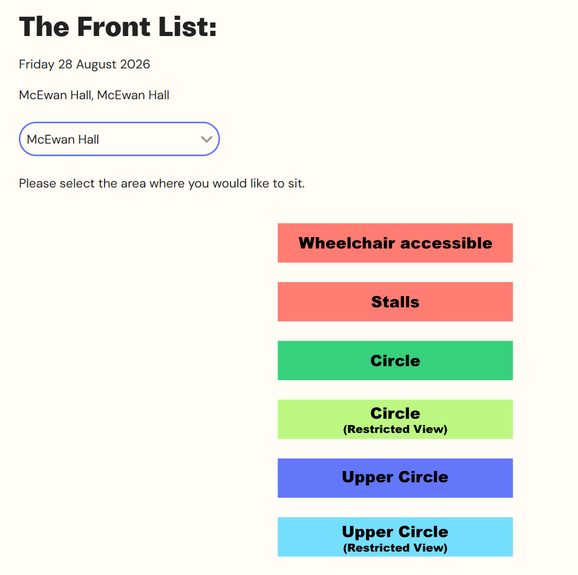
6. You’ll be able to choose from tickets in the Stalls, Circle, and Upper Circle, and book wheelchair spaces if needed.
- If a section sells out, please select a different section from the dropdown menu
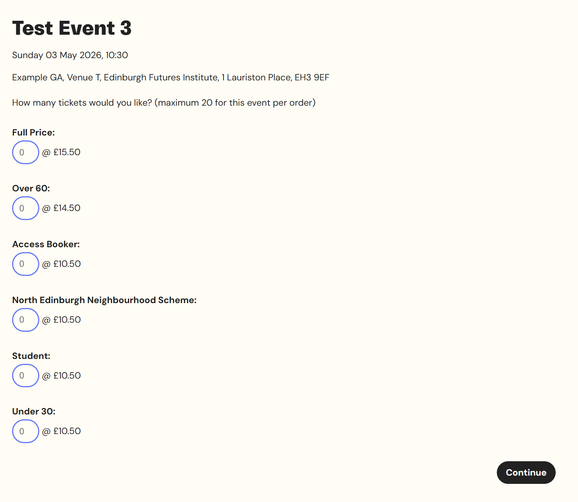
7. Select how many tickets of each price type you would like.
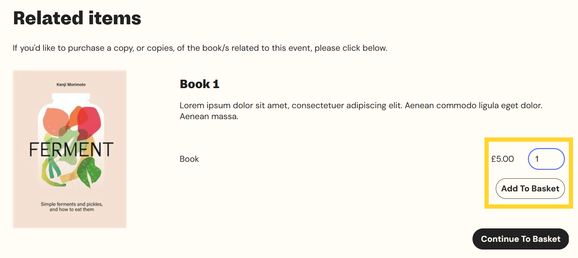
8. You will be asked if you would like to buy a book with your ticket purchase
- Enter the number of books you would like and then make sure to click 'Add to basket'
- Then select 'Continue to basket'
- If you don’t want to add a book, select ‘Continue to basket’, without selecting ‘Add to basket’
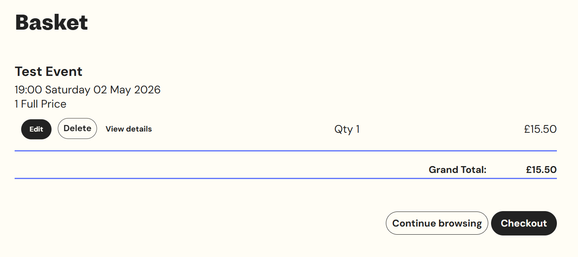
9. Confirm your basket is correct or select 'Continue Browsing' to return to our events listings to add more events to your basket
- Repeat steps 6-8 as needed for each event you would like tickets for
10. Once you are happy with your order select 'Checkout'
11. Enter and/or confirm your Personal Details in the Checkout
- Baskets will timeout after 10 minutes of inactivity
- You must complete your transaction on the same device. If you change device you will lose your basket.
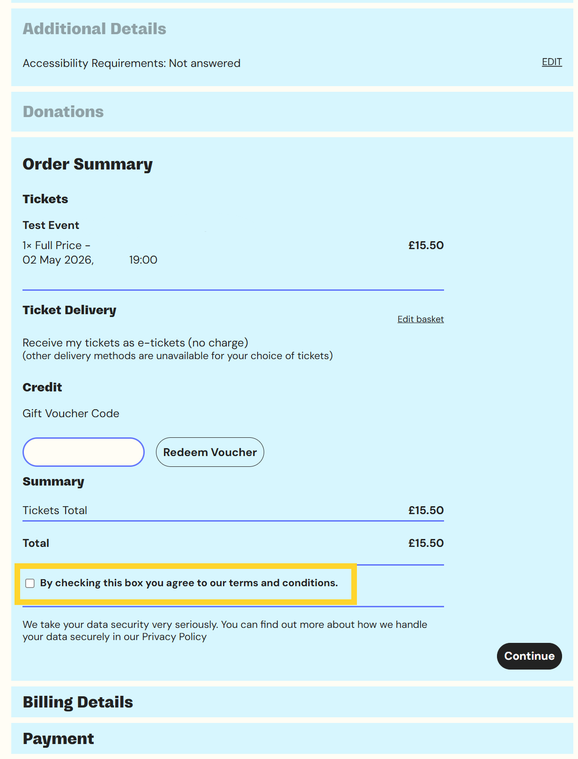
12. Review your Order Summary and check that you agree to our terms and conditions
13. Enter your Billing address and Payment details
14. You will receive your order confirmation and tickets by email:
- An order confirmation will come from tickets@boxoffice.edbookfest.co.uk
- You will receive one email for each event you’ve booked, containing the tickets for that event. This will be sent from Edinburgh International Book Festival tickets@edbookfest.co.uk
- These tickets can be added to an Apple or Google wallet if you choose
15. You can also see your orders and tickets by logging in to your edbookfest.co.uk account here
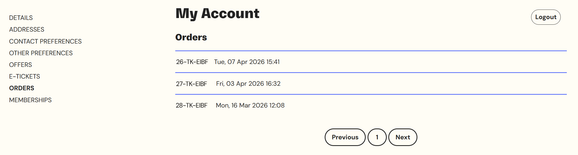
16. To save digging in your inbox, if we have your mobile number, you will be sent a text message containing a link to your tickets 24 hours before your event. Otherwise, you’ll receive an email containing a link to your tickets 24 hour before your event.
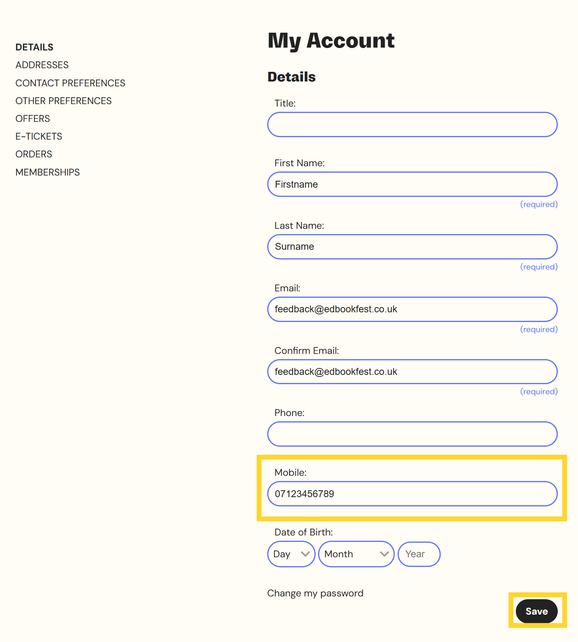
- To add a mobile number to your account, login to our website and visit My Account. Under the ‘Details’ tab you can add a Mobile number and click ‘Save’ at the bottom of the page.